01
Software
Synthesia
Videos with a virtual presenter, built for training and internal communication.
✓ Free plan advertised
To checkThe minutes of video and the avatars included in each plan.
CH 01AI video & voice
Déclic · CH 01 · AI video & voice
Generate a video, animate an image, add subtitles, make an avatar speak or lay down a voiceover: each tool does one thing well. Déclic starts by asking you which one you need.
Ad: this page contains affiliate links. Our opinions stay our own.
Nearly every AI video and voice tool has a free plan, but it is there to try the tool, rarely to publish with it: a small number of credits, a watermark on the export, and commercial-use rights kept for paid plans. Our pages note these conditions from the publishers' official pages, with the date they were read. Start with what you want to make, then open the matching page.
The comparison best AI video generator → looks at four tools (Kling, InVideo AI, DeeVid, PixVerse) and explains what “free” covers: credits, watermark and rights. The guide animate a photo with AI → describes the method step by step, and the consent to respect for the people in the photo you upload.
One tool has its own page, because it is among the most searched and its terms are hard to read: Kling AI free →. The page draws on Kling's official membership page and terms. Because these conditions change often, recheck them when you pay.
For editing, Filmora review → covers the free version (exports carry a watermark), the paid plans and what to check before you pay. If you are thinking of other editors, the table below lists the ones in our catalogue.
For voice, ElevenLabs review → explains what the free plan, the credits and the licence really mean.
Three trade-offs come back page after page: a watermark on the video or a download limit on the audio, a ceiling on credits or length, and no commercial licence on the free plan. That is not a flaw in any one tool: it is how these plans are built. Before you publish for a brand or a client, reread the publisher's terms for the plan you are using.
| Need | Tools in the Déclic catalogue |
|---|---|
| Generate a video | Kling, InVideo AI, Fliki, DeeVid, PixVerse |
| Animate a photo | Kling, DeeVid, PixVerse |
| Voiceover | ElevenLabs, Murf |
| Editing | Filmora, FlexClip, Descript |
| Subtitles for short videos | Submagic |
These are the tools for which Déclic has an affiliate programme. A page may also mention a tool with no commercial link when it helps explain the choice.
Free plans exist, but they are limited in credits and marked with a watermark. See best AI video generator → for the detail, tool by tool.
Not without reading the licence of the plan: with most of these publishers, commercial use is reserved for paid plans.
Rules vary by platform and are changing. Check the policy of the platform where you publish, and be open about AI-generated content that looks like real people.
With editing (Filmora review →), or by trying three short clips in a single tool and noting the credits each one uses.
 ComparisonBest AI video generator: Kling, InVideo, DeeVid and PixVerseKling, InVideo AI, DeeVid and PixVerse compared on free credits, watermarks, resolution, commercial rights and cancellation, from the official pages.
 ReviewKling AI free: what the free tier gives you and what it does notWhat Kling AI's free tier really offers: monthly credits, watermark, commercial rights, the terms on your uploads and how to cancel a paid plan.
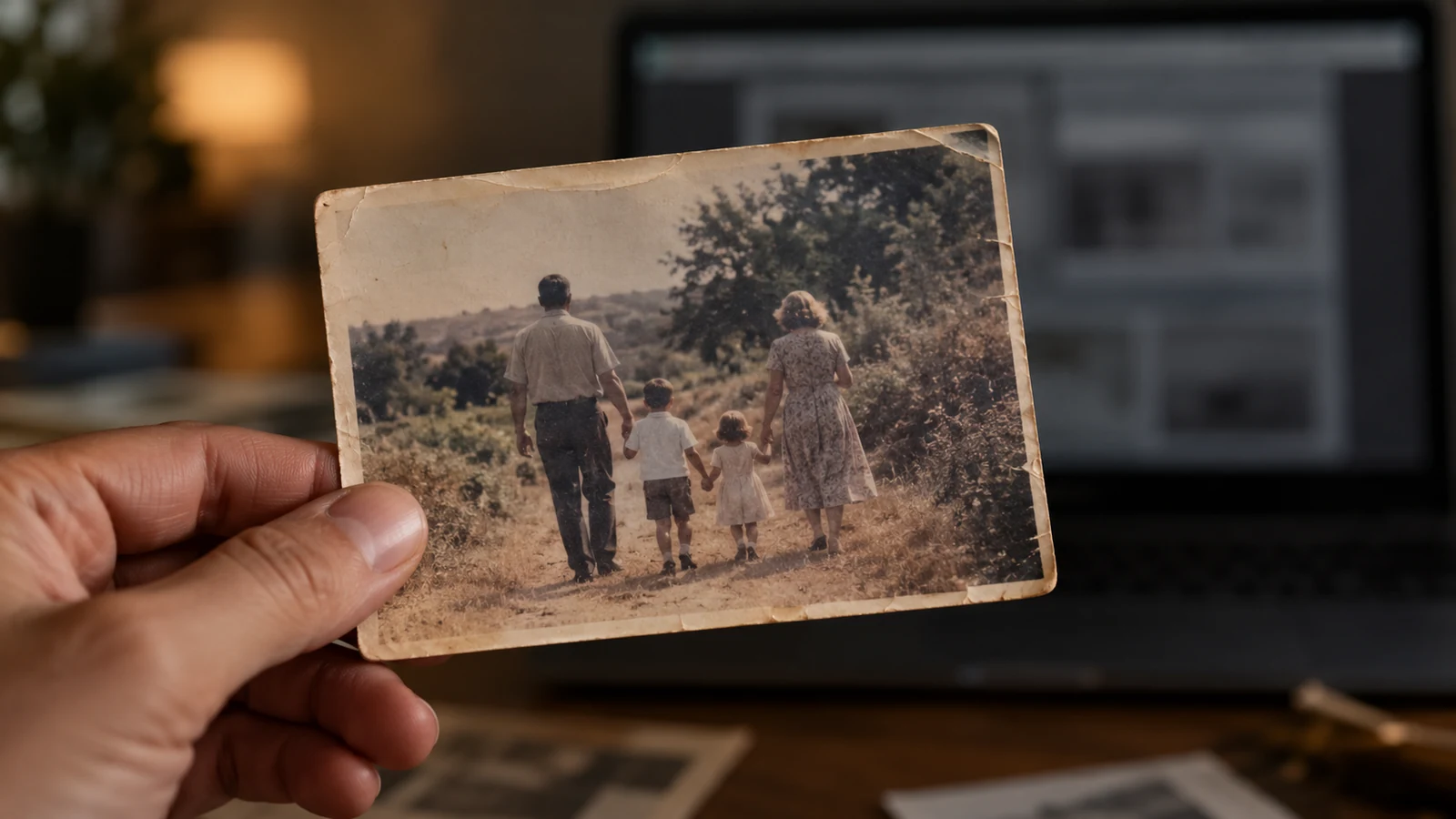 GuideHow to animate a photo with AI for free (and what free really means)How to animate a photo with AI for free: a step-by-step method, what free tiers really include, consent, privacy and UK law, and when to go paid.
 ReviewFilmora review: the free version, the plans and what to checkFilmora reviewed from official pages and Trustpilot UK: free-version watermark, annual or perpetual plans, AI-content rights, refunds and free alternatives.
 ReviewElevenLabs review: what the free plan, credits and licence really meanElevenLabs reviewed from its pricing page, terms and public reviews: free credits, commercial licence, voice cloning rules, cancellation and who it suits.
In file order, not by commission. Every button is an affiliate link.
01
Software
Videos with a virtual presenter, built for training and internal communication.
✓ Free plan advertised
To checkThe minutes of video and the avatars included in each plan.
02
Software
A complete video (shots, voice, music) from an idea or a script.
✓ Free plan advertised
To checkThe generation credits, the watermark and the rights to the media.
03
Software
Turns a text or an article into a video narrated by an AI voice.
✓ Free plan advertised
To checkThe minutes included and the voices available in English.
04
Software
Generates realistic video shots from a text or an image.
✓ Free plan advertised
To checkThe credit cost per shot and the maximum length of sequences.
05
Software
Animates a photo or a text into a short video, with no editing skills needed.
To checkThe credits, the export resolution and the watermark.
06
Software
Short AI videos and trending effects from an image or a text.
To checkThe daily credits and the terms of commercial use.
07
Software
Stylised animations, popular for music videos.
To checkThe credits and the length of exports.
08
Software
Long animated stories from a text, with characters that stay consistent from one scene to the next.
To checkThe maximum length and the usage rights.
09
Software
Short videos for TikTok, Reels and Shorts from a topic.
To checkThe number of videos per month and automatic publishing.
10
Software
Finds topics, writes scripts and produces faceless videos for social media.
To checkThe video and avatar quotas.
11
Software
Automatic animated subtitles and quick editing for short videos.
To checkThe permitted video length and the subtitle language.
12
Software
You edit the video or podcast by editing the text of the transcript.
✓ Free plan advertised
To checkThe hours of transcription included.
13
Software
Video editing software you install, beginner-friendly, with AI tools.
✓ Free plan advertised
To checkThe free version’s watermark and the type of licence.
14
Software
Online video editor with ready-made templates.
✓ Free plan advertised
To checkThe export resolution and the watermark, depending on the plan.
15
Software
Product video ads generated from your product page.
To checkThe credits per video and the advertising rights.
16
Software
UGC-style ads performed by virtual actors.
To checkThe price per video and the rights to run the ads.
17
Software
Very natural AI voiceovers, voice cloning and dubbing.
✓ Free plan advertised
To checkThe characters included per month and the commercial licence.
18
Software
AI voiceovers for presentations, tutorials and e-learning.
To checkThe voice hours included and the voices available in English.
19
Software
AI-generated music to go with your videos.
To checkThe licence for your use (YouTube, client work, ads).