Déclic · Guides · VPN & security
Guide
Best password manager: free plans, safety and what the NCSC says
Ad: this page contains affiliate links. If you buy or sign up through them, we earn a commission at no extra cost to you.
In brief
A password manager is worth using if you have more than a handful of accounts, and the UK's National Cyber Security Centre (NCSC) backs the idea: it lets you use a different password for every account without remembering them. The best one for you depends on four things you can check on paper: how many devices the free plan covers, whether the encryption design is documented, whether independent audits exist, and whether you will actually use it. In October 2026, Proton Pass and Bitwarden list unlimited devices on their free plans, while NordPass and RoboForm limit the free plan to one device, according to the vendors' own pages. We name no single winner.
Who it suits: anyone with a growing pile of passwords, especially if some are reused. Who it doesn't suit: people who will not set a strong master password and turn on two-step verification, because that is where the whole system rests.
What is currently the best password manager?
There is no best in the abstract, and a page that crowns one without showing its working should be treated carefully. What we can offer is the criteria and what each product's own documents say. The criteria that matter most:
- Encryption design. Is the vault encrypted on your device with a key derived from your master password, so the company cannot read it?
- Independent review. Has an outside firm audited the code, and is the report public?
- Free plan limits. How many devices, and what is missing compared with the paid plan?
- Passkeys and two-step verification support.
- Recovery. What happens if you forget the master password?
- Ease of use, because the best tool is the one you open every day.
What does the NCSC say about password managers?
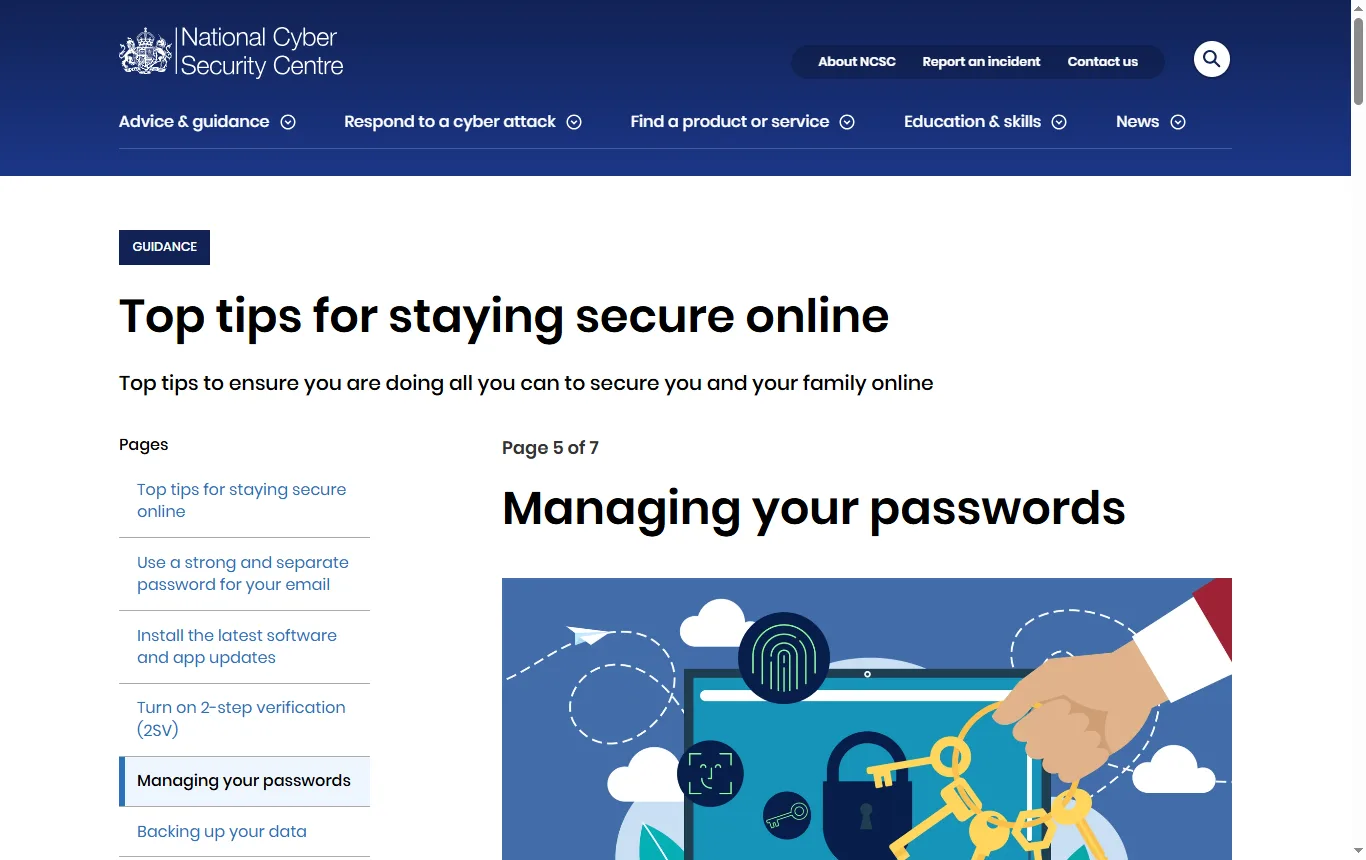
The NCSC page on password managers (reviewed May 2026) is the most useful starting point for UK readers, because it is neutral and written for the public. It says a password manager lets you use a different password for each account without having to remember them, and that "compromise warnings" can alert you if a password has been breached or leaked. Autofill helps against phishing because it fills in passwords only on the correct website. When choosing a manager, the NCSC suggests thinking about cross-device support, control over the format of generated passwords, cost and extras such as breach alerts.
On browsers, the NCSC says passwords saved in a browser are safe on your own devices but "only as secure as your devices and accounts", so automatic updates matter, and that on shared devices you should "never save your password in the browser". It calls the browser's built-in option the easiest, especially if you use the same browsers or systems across devices, and says third-party managers can be useful because they can synchronise passwords across a mix of browsers and devices. It advises turning on two-step verification for the password manager account, because then even a criminal who knows the primary password will not be able to access it. The NCSC does not address what happens if the provider itself is breached; we cover that below.
What are passkeys, and should you use them?
A passkey replaces the password with a cryptographic key stored on your device or in your manager, confirmed by a fingerprint, face scan or PIN. The NCSC's position, on the same page, is that it "recommends making passkeys your first choice of login" where a service offers them, and that where passkeys are not available you should use a strong, unique password plus two-step verification. Proton Pass lists passkeys on its free plan; for NordPass and RoboForm, check the plan comparison before you assume your plan includes them.
How should you build a strong master password?
The NCSC's separate advice on passwords recommends combining three random words to make a password that is long and strong enough for most purposes, easier to remember than dense strings of symbols. It warns against common passwords, significant dates, sports teams and family or pet names, and says that swapping letters for lookalike characters adds little strength. The page does not single out a master password, but the logic applies: you have to remember this one, and everything else sits behind it. If you write it down, keep the note somewhere safe.
Which free plan is the most generous?
| Tool | What the free plan covers (October 2026) | Where the limit bites |
|---|---|---|
| Proton Pass | Unlimited logins, notes and cards; unlimited devices; password generator; 10 hide-my-email aliases; passkeys; two shareable vaults with up to two other people | The built-in 2FA authenticator is on the paid plans |
| NordPass | Free for one user with the essentials: autosave, autofill and secure storage | No access on several devices, no password health report, no data breach scanner, no built-in authenticator and no file attachments |
| RoboForm | Unlimited passwords on a single device, with email support | Using it across several devices needs a Premium plan |
| Bitwarden (no affiliate link) | "Unlimited devices, unlimited passwords" and open source security, according to its pricing page | Paid tiers add more features |
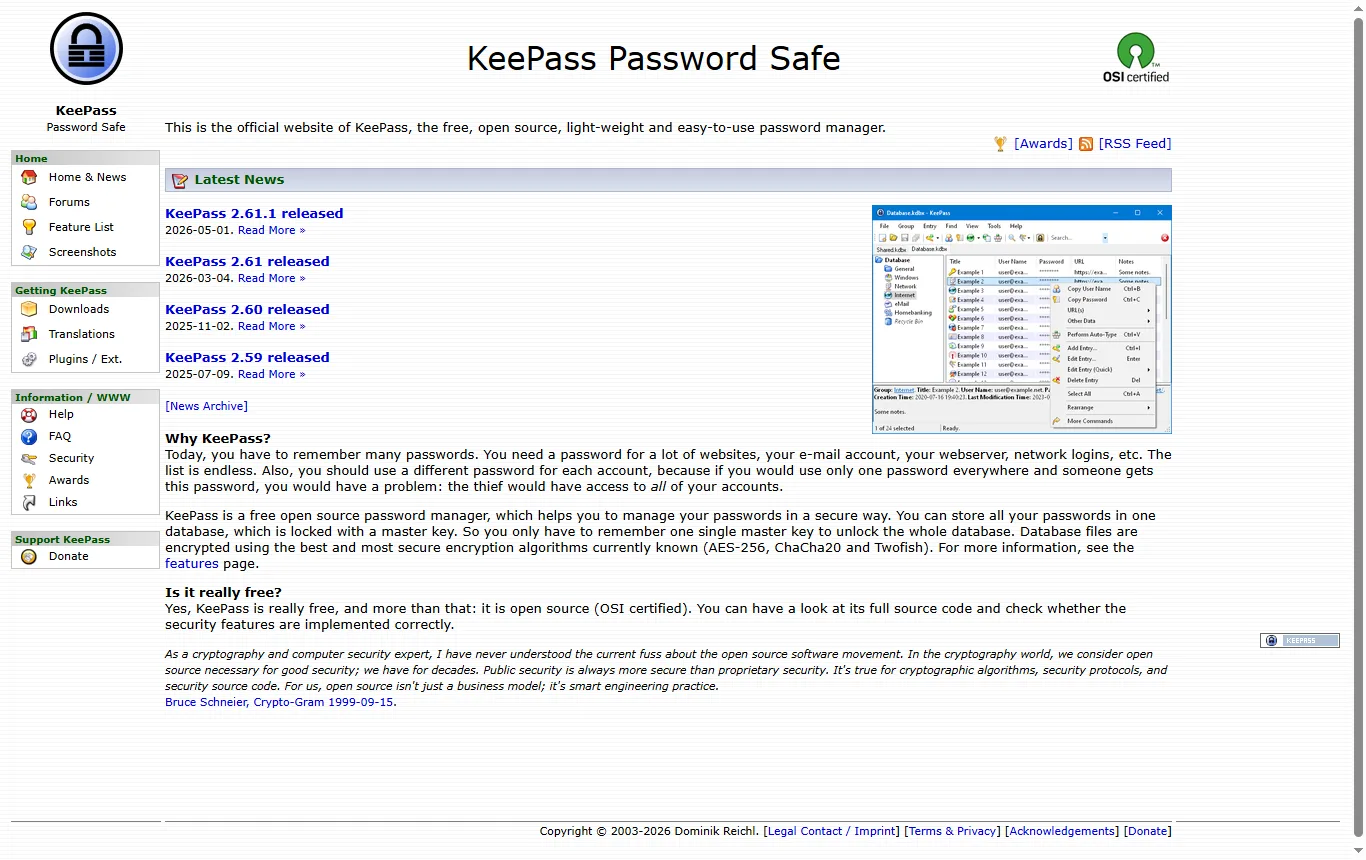
| KeePass (no affiliate link) | Free and open source, one database protected by a master key | You manage the file and any syncing yourself |
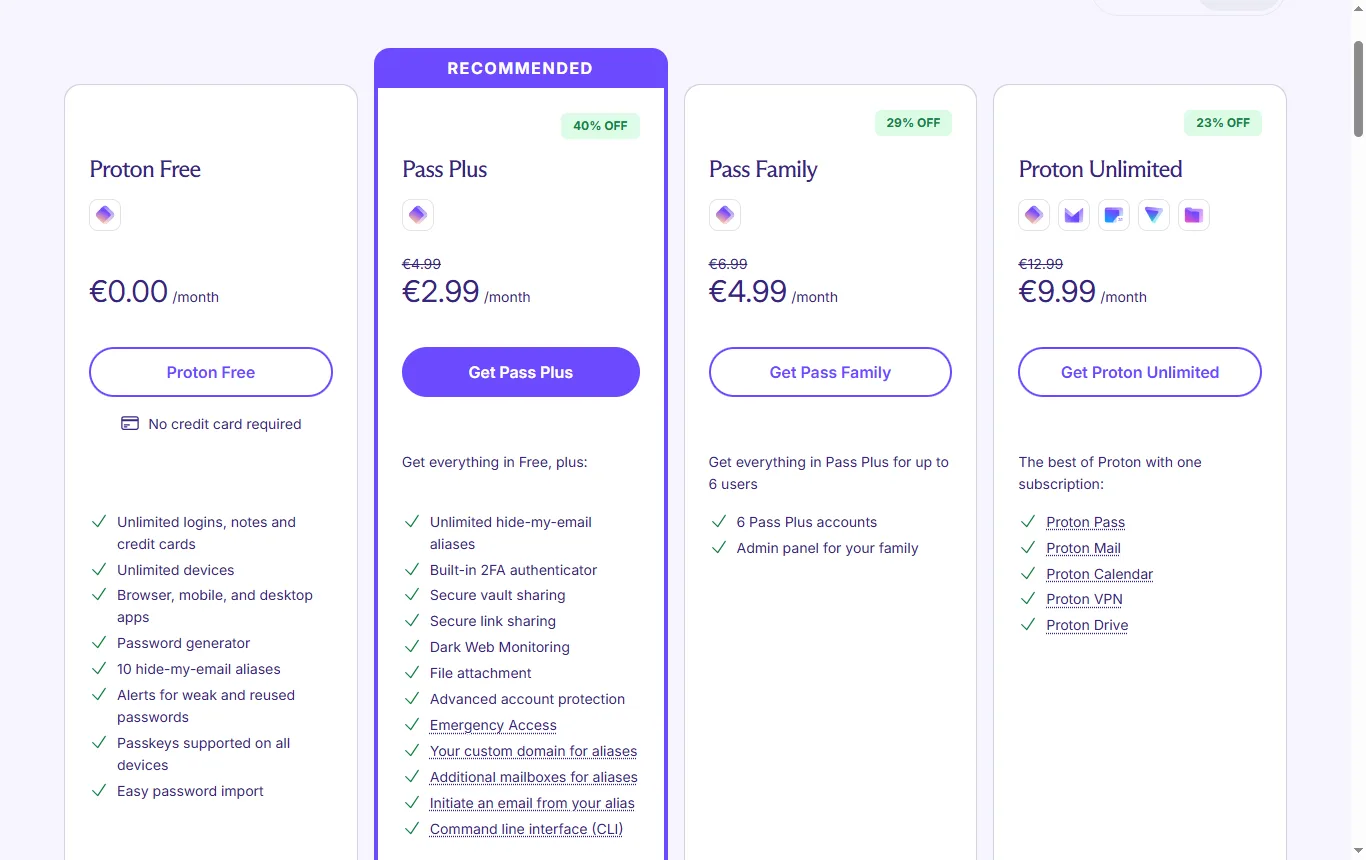
Visit Proton Pass ↗ Affiliate link
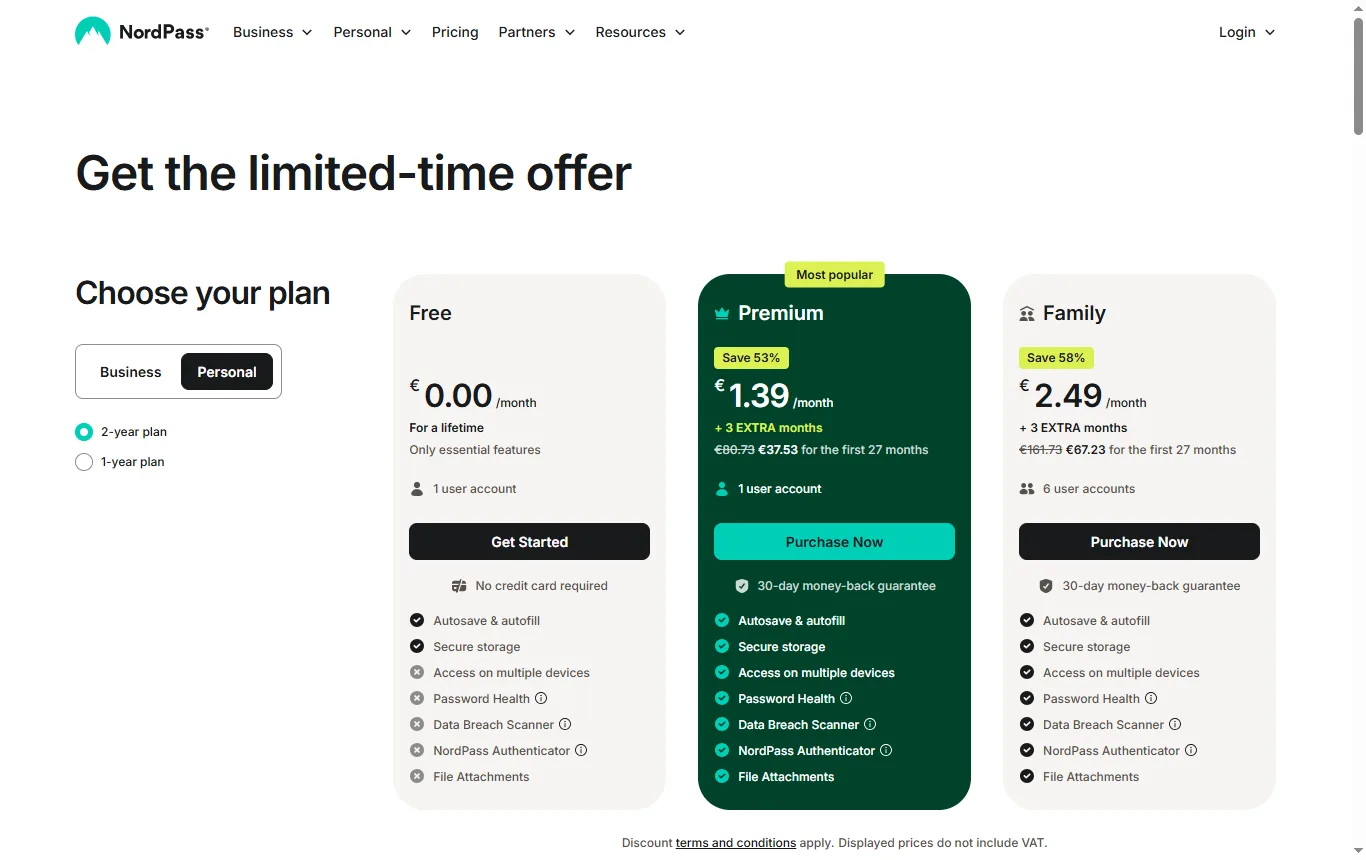
Visit NordPass ↗ Affiliate link
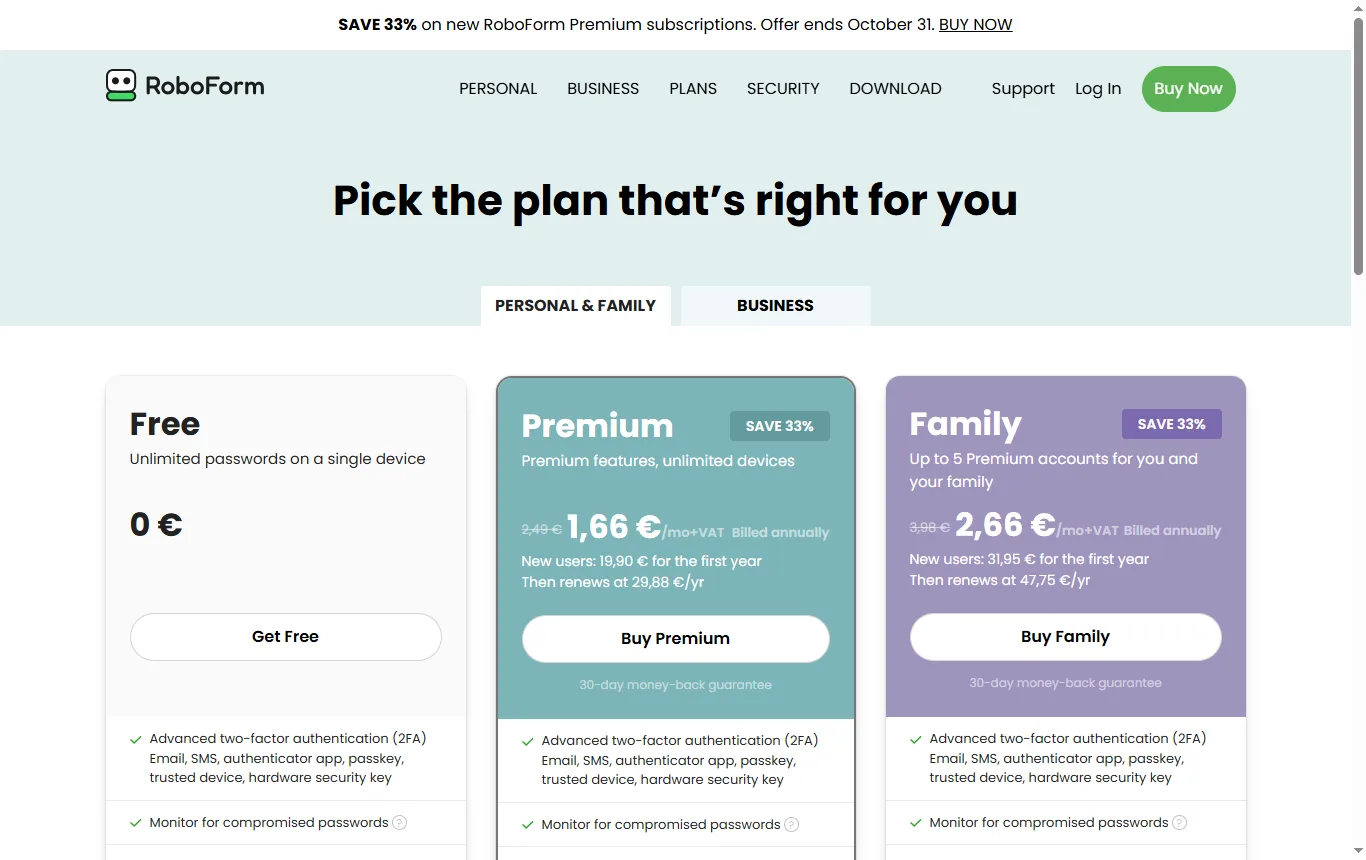
Visit RoboForm ↗ Affiliate link
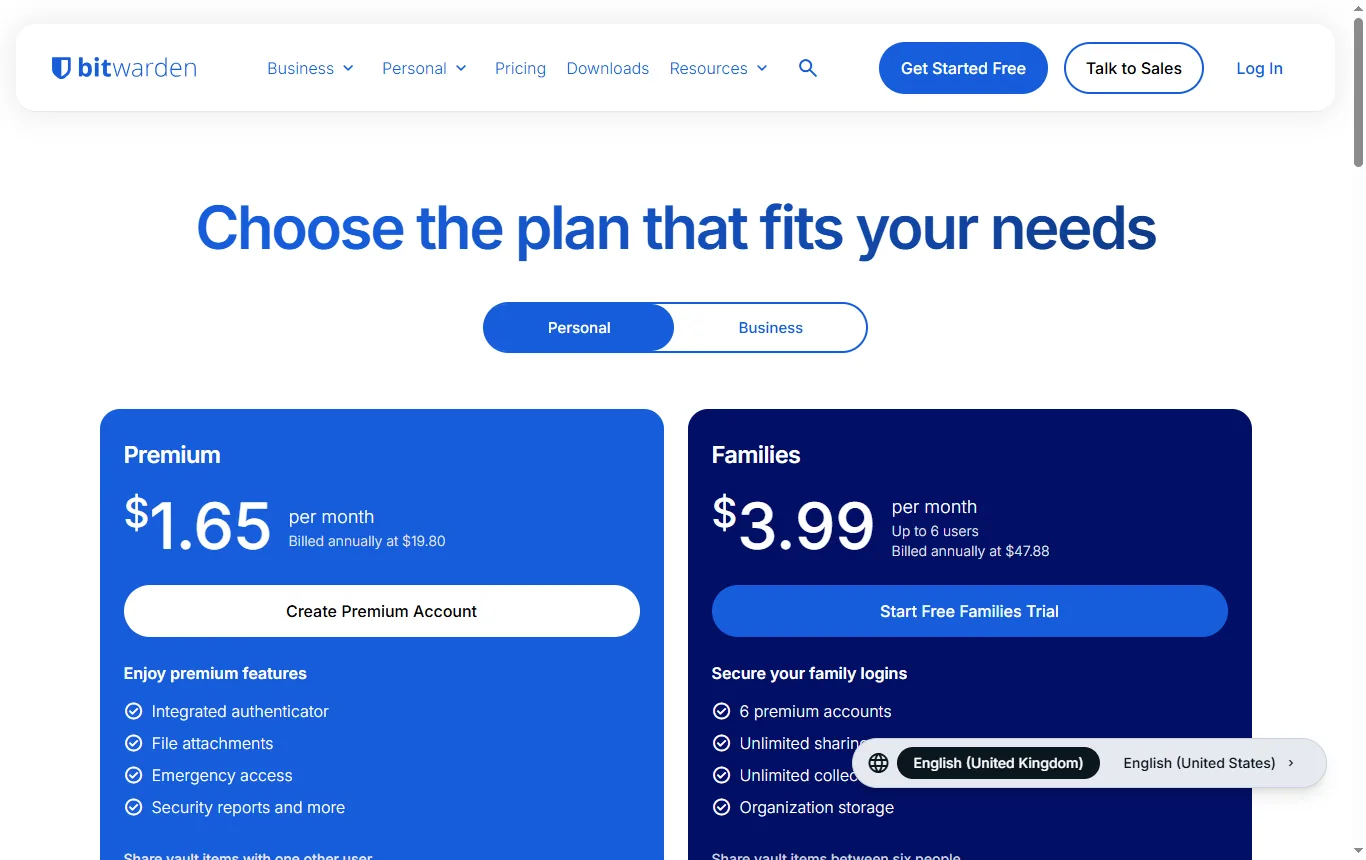
Proton's pricing page lists currencies in Swiss francs, euros and US dollars, and Bitwarden's shows US dollars, so check the cost in pounds at checkout; we quote no prices here.
Which paid plans come with a money-back period?
| Tool | Refund window stated by the vendor | Independent audit we can point to |
|---|---|---|
| Proton Pass | 30 days | Cure53, May and June 2023, report published |
| NordPass | 30 days for Premium and Family | None cited here; check the vendor's security pages for dated reports |
| RoboForm | 30 days for Premium | None cited here; check the vendor's security pages for dated reports |
A refund window is a safety net for choosing badly, not a reason to choose. Note your purchase date and read the vendor's cancellation steps before you pay, since renewals are often treated differently from first purchases.
Which password managers have never been hacked?
Treat any claim of "never hacked" with caution, because it is hard to prove and it can change overnight. The best-known case is LastPass. In a notice dated 22 December 2022, LastPass said an unauthorised party used information from an earlier incident to reach a cloud storage environment holding archived backups, and copied account metadata and a backup of customer vault data. It said sensitive fields such as usernames, passwords and notes remained protected by 256-bit AES encryption, with a decryption key derived from each user's master password, but that some items, including website addresses, were not encrypted. It advised users whose master password settings did not match its defaults to consider changing the passwords for sites stored in their vaults.
The lesson is not that password managers are unsafe. It is that the design and your master password decide how much damage a breach can do. We make no "never hacked" claim for any tool.
How safe is a password manager if the provider is breached?
If the vault is encrypted on your device and the company never holds your master password, a stolen copy of the vault is only as strong as that master password and the method used to turn it into a key. The vendors describe this design:
- Proton Pass says its data is secured with "zero-knowledge, end-to-end encryption", and that it encrypts all fields, not just passwords.
- NordPass, according to a CyberInsider review of August 2026, uses XChaCha20 for the vault with Argon2 key derivation, in a zero-knowledge design.
- RoboForm's homepage says it uses AES256 bit encryption with PBKDF2 SHA256 and describes the system as zero-knowledge, with encryption and decryption on your device.
- KeePass says its database is encrypted with algorithms it names as AES-256, ChaCha20 and Twofish.
These are the makers' and reviewers' descriptions. You cannot check the maths yourself, which is why independent audits matter.
Which is the safest free password manager?
"Safest" is not a single score. Look at three things: the design, the audits and the open code.
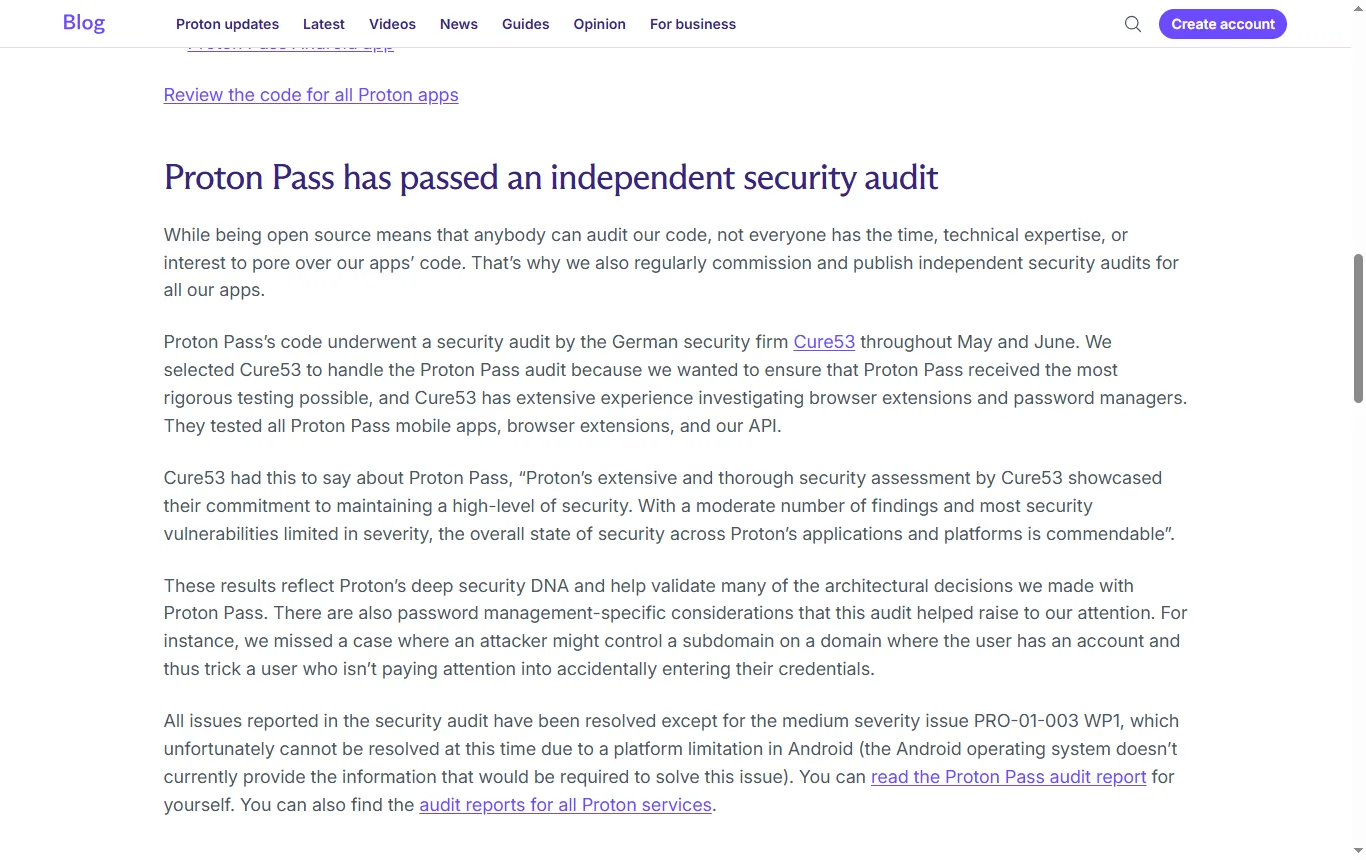
- Proton Pass. Proton's blog post of 19 July 2023 says the German firm Cure53 audited Pass over May and June 2023, covering the mobile apps, browser extensions and API. Cure53 called the overall security state "commendable", with a moderate number of findings and mostly limited severity. Proton said all issues were resolved except one medium-severity finding that remained open because Android does not provide the information needed to fix it. The post also says the code of the apps is open source and links to public repositories for the browser extensions and the iOS and Android apps. The audit on Proton's pages is that 2023 one, so ask whether a newer report has been published since.
- NordPass. We cite no audit for NordPass. If audits matter to you, look for dated reports, named auditors and a stated scope on the vendor's own security pages before you rely on one.
- RoboForm. The same applies: the vendor's homepage describes local, zero-knowledge encryption, but we cite no independent audit.
- Bitwarden and KeePass. Both describe themselves as open source on their own sites.
Open source does not guarantee safety, and a closed product is not unsafe by default. It does let outsiders examine the code, which is a plus.
Is it better to use Google's password manager or a dedicated tool?
The NCSC does not tell you to pick a dedicated tool. It says the browser option is the easiest and safe on your own devices if the device and account are secure, and that a third-party manager can help when you mix browsers and devices. So the real questions are practical: do you use more than one browser or ecosystem, do you share a computer, and do you want passkey, sharing or emergency features?
Why avoid storing passwords in Chrome? The NCSC's answer is conditional: a browser store is only as secure as your devices and accounts, and you should never save passwords in the browser on a shared device. We do not review Google's tool, 1Password or Keeper, because none is in our selection. To compare them, run the checklist above on each vendor's current security and pricing pages.
What are the downsides of using a password manager?
- Single point of failure. If your master password is weak, or you lose it and recovery is not set up, you may lose access or expose everything. The NCSC notes that many managers offer recovery options such as secure password hints or emergency access through trusted contacts.
- Phishing and malware can still target you. A manager helps by autofilling only on the right site, but it does not make you immune.
- Free plan limits, such as one device on NordPass and RoboForm.
- Lock-in and migration effort. Moving your vault takes time and care.
- Cost over time, which depends on the plan you choose and the pound price at checkout.
How do you switch to a password manager safely?
- Pick the tool, using the criteria above.
- Create a long, unique master password, and write down any recovery key on paper stored safely.
- Turn on two-step verification for the manager account, as the NCSC advises.
- Import your saved passwords, then delete them from the browser store.
- Change the passwords on your most important accounts first (email, banking, the manager itself).
- Use the generator for every new account.
Which accounts should you protect first?
Start with your main email account, because a criminal who controls it can reset the passwords of almost everything else. The NCSC calls turning on two-step verification "the first and most important step", particularly for email. Then do banking and payment accounts, your phone account, and any account that holds work, a business or a shop. If you run a newsletter platform or a customer list, our Brevo review → shows what that kind of account holds, and our Proton Pass review → goes into one of these managers in more depth. If you are also thinking about a VPN, our NordVPN review → covers its audits, trust record and UK legality.
What questions should you ask a vendor before trusting it with your vault?
- Is the vault encrypted on my device, and can you ever read it?
- Which independent firm has audited the code, when, and is the report public?
- What exactly does the free plan include, and what happens if I exceed it?
- How do I recover access if I forget my master password?
- Do you support passkeys and two-step verification for my own account?
- How do I export my data if I want to leave?
Not sure? Tell us how many devices you use and what you need
Frequently asked questions
What is currently the best password manager?
We do not crown one. Choose on encryption design, independent audits, free plan limits, passkey and two-step verification support, and recovery options.
Which password managers have never been hacked?
Treat any claim of that kind with caution. LastPass reported a 2022 breach in which an encrypted backup of customer vault data was copied, and the damage depends on the design and the master password.
Which is the safest free password manager?
There is no single score. Check the encryption description, whether a recent independent audit is public, and whether the code is open; Proton Pass has a published 2023 audit, and Bitwarden and KeePass describe themselves as open source.
Why shouldn't I store passwords in Chrome?
The NCSC says browser-saved passwords are only as secure as your devices and accounts, and that you should never save them in a browser on a shared device.
Which is better, 1Password or Google Password Manager?
Neither is in our selection, so we do not compare them. The NCSC's advice is to weigh convenience, devices and sharing.
What is the downside of using a password manager?
A weak master password or lost recovery can lock or expose everything, and free plans may limit devices.
See also
 ReviewElevenLabs review: what the free plan, credits and licence really meanElevenLabs reviewed from its pricing page, terms and public reviews: free credits, commercial licence, voice cloning rules, cancellation and who it suits.
 ComparisonBest plagiarism checker: free limits and how to read the scoreQuetext, Originality.ai and GPTZero compared on free limits, sources checked, languages and privacy, plus how to read a similarity score without panic.