Déclic · Guides · Websites & selling online
Review
Brevo review: free plan limits, pricing model and UK email rules

Ad: this page contains affiliate links. If you buy or sign up through them, Déclic earns a commission at no extra cost to you. Our opinions are our own.
In brief
Brevo is an email marketing platform that also offers SMS, transactional email and a light CRM, and it started life as Sendinblue in Paris before being renamed in 2023. Its pricing page (October 2026) presents a free plan "for ever" with no credit card required, and its FAQ gives a limit of 300 emails a day. Removing the "Sent with Brevo" logo is listed among the features of the paid plans, and the page shows no contact cap for the free plan, so check that point before you import a list. For UK senders, the bigger question is compliance: the ICO's rules on electronic marketing apply whichever tool you use.
Who it suits: small businesses, shops and newsletters that want a free start and email, SMS and transactional messages in one account. Who it does not suit: senders who need to email thousands of people every day on a free plan, or who want to remove the vendor's branding without paying.
What is Brevo, and who is behind it?
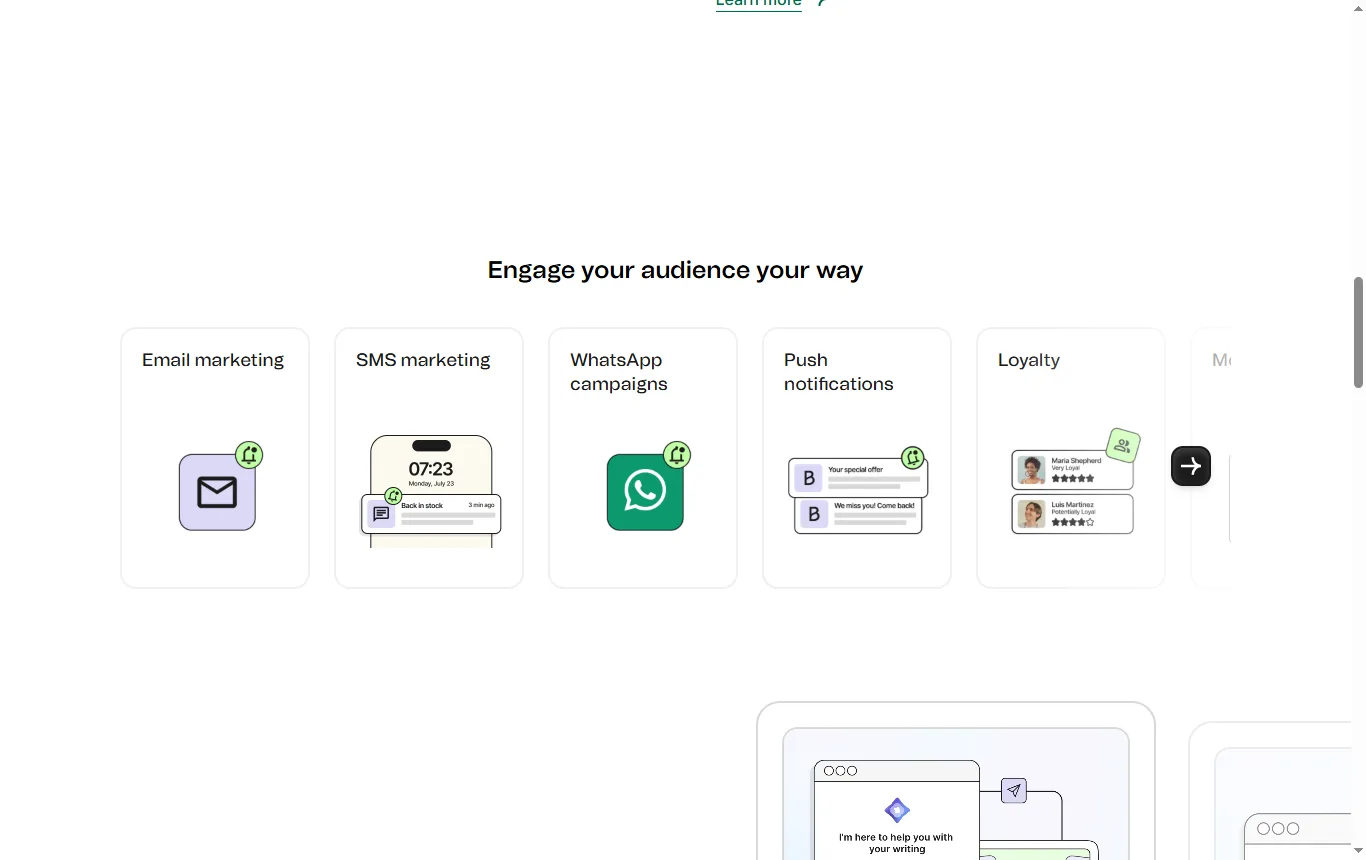
Brevo describes itself as a customer relationship platform, and its core product is email campaigns. According to the Wikipedia entry on the company (October 2026), it was founded in 2012 in Paris and launched as Sendinblue, then renamed Brevo in 2023. Its pricing page calls it a "100% French" marketing platform. If a tool's name changed, search for both names when you read older reviews, since many articles still talk about Sendinblue and quote old prices.
What vocabulary do you need before sending?
- Deliverability: the chance that your messages reach the inbox rather than the spam folder.
- Bounce: a message that does not arrive, because the address no longer exists or the mailbox is full.
- Opt-in and opt-out: the choice to receive your emails, and the choice to stop. Both must be simple.
- Segmentation: splitting a list into groups, such as customers and readers, so that each gets the right message.
- Domain authentication: a technical setting that proves you are allowed to send under your domain name. The tool normally guides you through it.
- Transactional email: automatic messages triggered by an action, such as an order confirmation, as opposed to a campaign sent to a list.
What does Brevo's free plan include?
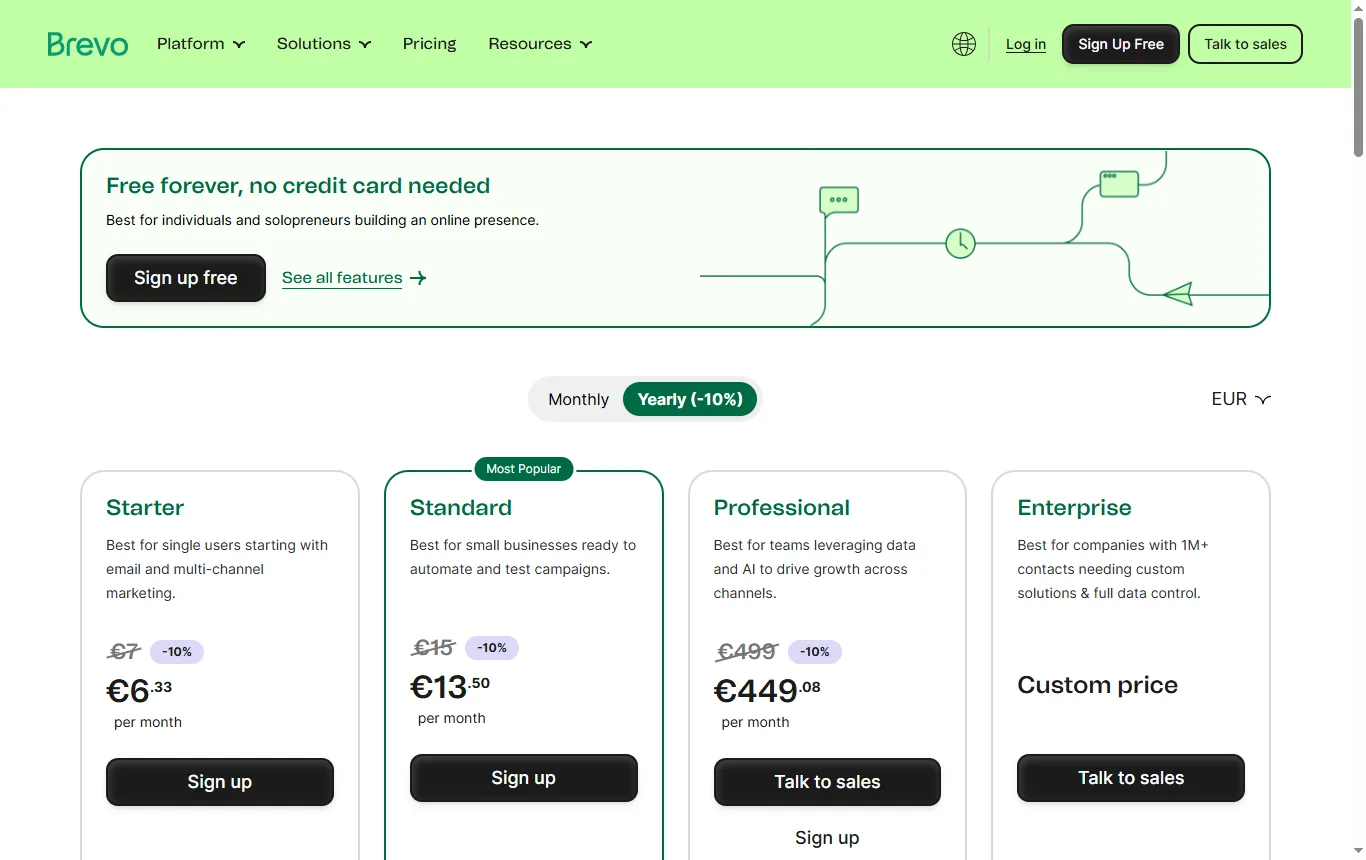
Brevo's pricing page (brevo.com/pricing, October 2026) describes the free plan as free for ever, with no credit card required, and its FAQ says the free plan allows up to 300 emails a day. That is about 9,000 emails over a 30-day month, if you used the allowance every day. The paid plans are shown with unlimited contacts, and the page shows no contact cap for the free plan. It does not state a date for the last change to its plan grid, so read it again on the day you sign up.
| Point | Brevo free plan |
|---|---|
| Positioning | Free for ever, no credit card required |
| Sending limit | Up to 300 emails a day, according to the page's FAQ |
| Vendor logo | Removing the "Sent with Brevo" logo is listed among the paid-plan features |
| Contacts | No contact cap shown for the free plan; paid plans are shown with unlimited contacts |
What are the limitations of the Brevo free plan?
The practical limits come from the figures above.
- The daily cap. At 300 emails a day, a list of 3,000 people takes about ten days to reach. Plan campaigns around that or choose a paid plan.
- The branding. Logo removal is a paid-plan feature, so expect the vendor's mark on free emails unless you pay.
- The unknown contact cap. The page shows none, so a large import may meet a limit only when you try it. Test with a small list first.
- Feature gaps. Check the plan comparison table for the tools you need, such as A/B testing, landing pages and automation, and for how many contacts any automation covers.
- Support. Check which support channel each plan includes, since the response you get when a campaign is blocked matters more than the editor.
Think of the free plan as a way to prove your list and your content before you spend anything, not as a permanent solution for a business that relies on email.
Why is Brevo so cheap?
It is not always cheap. It is priced differently. A third-party review published by Dreamlit on 13 June 2026 says Brevo bills mainly by emails sent per month and not by contacts stored, which fits what the pricing page shows: paid plans with unlimited contacts. Under that model a large, quiet list is inexpensive, because you store many contacts and pay for the few emails you send. A small, chatty list costs more: if you email 500 people daily, you send far more messages a month than someone emailing 50,000 once a month. The cheapest option for you is the one that matches how often you send.
A quick way to estimate your volume: number of subscribers multiplied by the number of emails you send per month. Compare the result with the monthly send allowance of each plan, then add any extras you cannot do without. No amounts are quoted here, because they change.
Which is better, Brevo or Mailchimp?
Mailchimp is not in our catalogue, so it is not linked here and no figures are quoted for it. The fair way to compare is to open both pricing pages side by side and answer the same questions for each:
| Question | What to look for on Brevo's page | What to look for on Mailchimp's page |
|---|---|---|
| How is the price calculated? | Sending volume, with paid plans shown with unlimited contacts | Whether the price follows the number of contacts or the emails sent |
| What does the free plan allow? | 300 emails a day, no card | The monthly and daily send limits and the contact limit |
| Is automation included for free? | The plan comparison table | The plan comparison table |
| Can you remove the vendor logo for free? | Listed as a paid feature | The plan comparison table |
| What happens when your list grows? | The next plan up and its allowance | The next plan up and its price jump |
Write down the answers for your own volume, using the formula above. A list you email rarely and a list you email daily can produce opposite answers.
How much does Brevo cost?
No amount is copied here. Open Brevo's pricing page and write down, for the plan you would choose: the monthly send allowance, what is included, what is an extra, and whether yearly billing changes the total. Then check whether you need logo removal, extra users, SMS credits or a dedicated IP address, since extras are where a total can climb quickly. Ask the sales or support team in writing what happens if you exceed your allowance in a month, before you send your first large campaign.
Which senders should start on a paid plan straight away?
The free plan suits a modest, steady use. Some situations point to a paid plan from day one:
| Situation | Why the free plan may not fit | What to check on the paid plans |
|---|---|---|
| A list of several thousand people, emailed all at once | The 300 emails a day cap spreads one send over many days | The monthly allowance and whether a daily cap applies |
| A brand-led newsletter or a shop with a strong visual identity | The vendor logo stays on free emails | The plan that lists logo removal |
| A launch or a time-limited sale | A delay of several days defeats the purpose | How much headroom the plan gives on the busiest day |
| Order confirmations and other transactional messages | They are triggered by customers and cannot wait for a daily reset | How transactional and campaign emails are counted |
If none of these describes you, start free, send a small first campaign and watch the results for a few weeks before spending anything.
What do users say about Brevo?
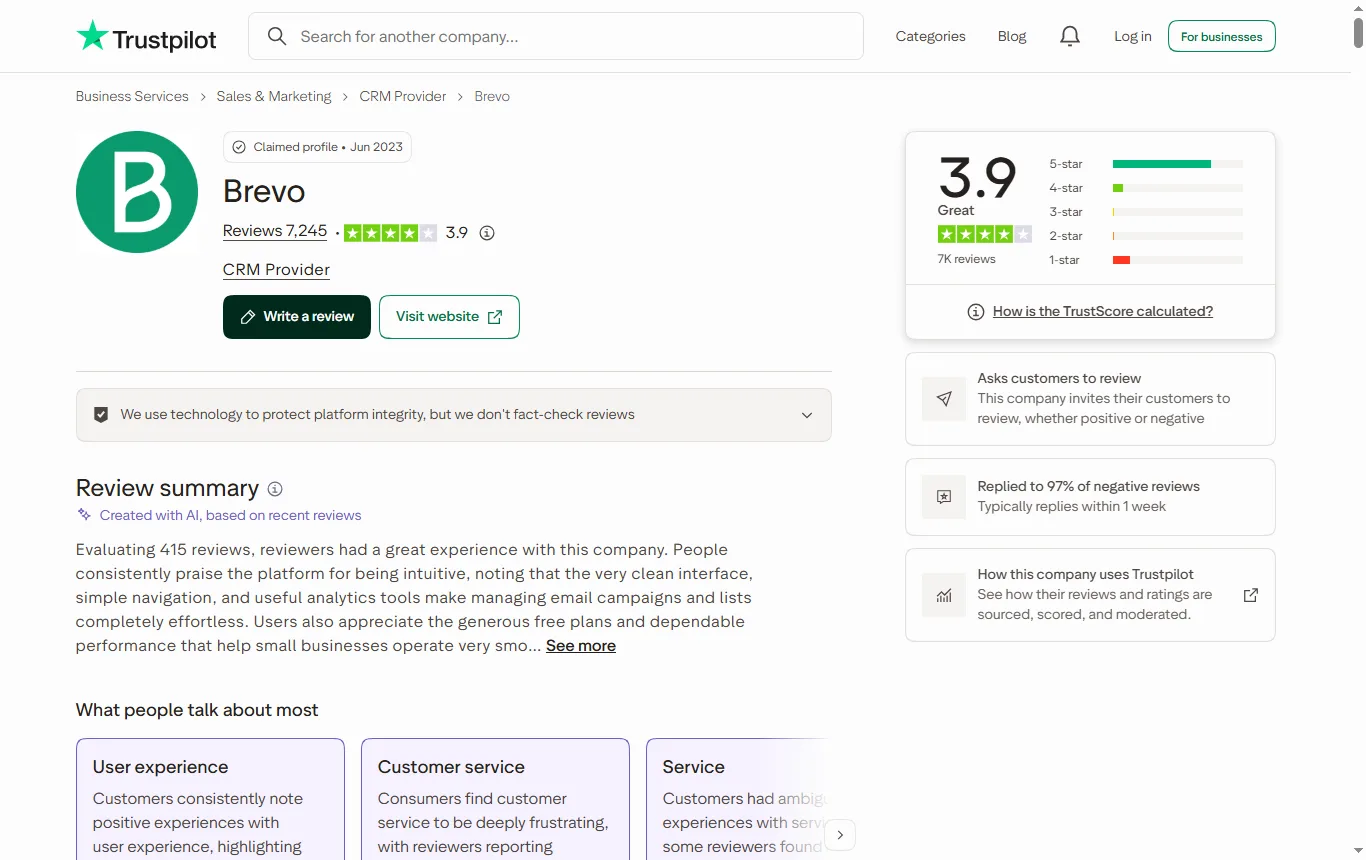
The UK Trustpilot page (October 2026) shows a TrustScore of 3.9 out of 5 from 7,246 reviews, 725 of them posted in the last twelve months. About 76% are five-star and 13% are one-star. Trustpilot's AI summary, based on 417 recent reviews, describes a clean interface, straightforward set-up and generous introductory plans, and lists slow support, automated bot loops, account suspensions and unclear explanations for blocked campaigns as complaints. The profile also notes that Brevo invites customers to review.
A suspended account or a blocked campaign is a real risk for any email platform, because senders must protect their reputation with mailbox providers. The practical lesson is to build your list with proper consent, avoid sudden large sends and read the sending policy before your first campaign.
What UK rules apply to email marketing?
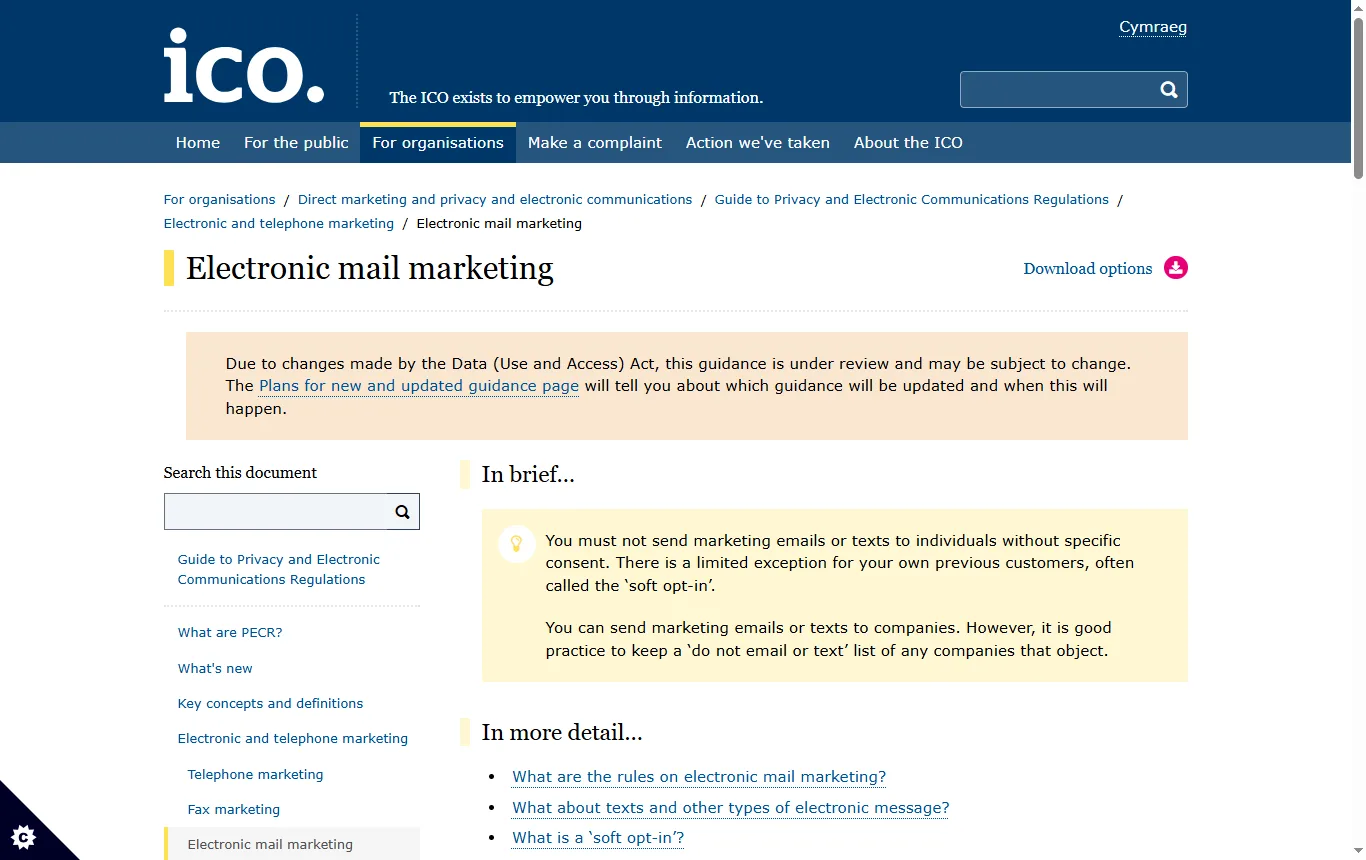
The rules come from UK law on electronic marketing, which the ICO explains, and they apply whichever tool you use. The ICO's guidance on electronic mail marketing (October 2026) says, in summary:
- You must not send marketing emails to individuals without specific consent. Consent can be given by ticking an opt-in box.
- The "soft opt-in" lets you email existing customers who recently bought, or discussed buying, a similar product from you, provided you gave them a clear chance to opt out when you collected their details and in every message. It does not cover prospects, bought-in lists or non-commercial promotions such as charity fundraising.
- Every message needs an opt-out, such as an unsubscribe link, and you must act on it promptly. Do not disguise who you are, and include a valid contact address.
- Sole traders and some partnerships are treated as individuals, while companies, limited liability partnerships and government bodies can be emailed more freely, though the ICO recommends keeping a do-not-email list.
- Do not encourage recipients to forward your marketing to friends or ask for their friends' contact details.
A tool does not make you compliant. It can help, for example with unsubscribe links, but you remain responsible for the consent you collect.
What does Brevo say about data protection?
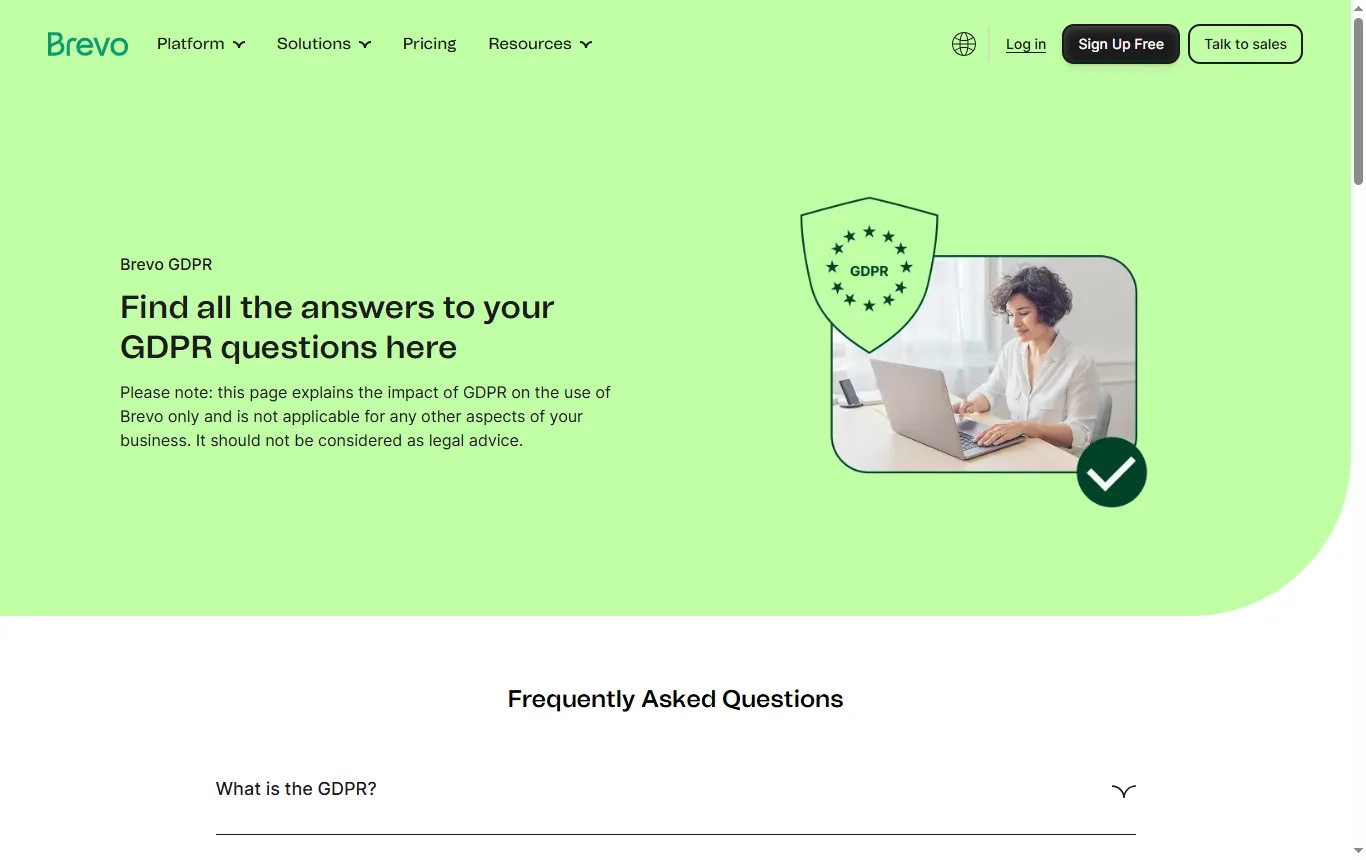
Brevo's GDPR page (October 2026) says the company has been compliant with the GDPR since 25 May 2018. The page explains the effect of the regulation on the use of Brevo and states that it is not legal advice. It also reminds customers that they must set out their own use of data in their own privacy policy, and Brevo commits to carrying out an erasure request within 30 days. Read the page and the data-processing terms before relying on any claim about hosting or compliance for your own list.
How should you set up your first campaign?
- Collect consent properly, with a clear opt-in and a record of when and how it was given.
- Authenticate your domain following the tool's instructions, so mailbox providers can recognise your messages.
- Start with a small send to a few friendly addresses and look at the result in several mail apps.
- Include an unsubscribe link and your contact details in every email.
- Respect the daily cap on the free plan, or stage the send over several days.
- Check the plan limits before you automate, because the free plan may cap automation.
Which mistakes cost small senders the most?
- Importing an old list collected without a clear opt-in. The ICO says bought-in lists are not covered by the soft opt-in.
- Sending one very large first campaign from a new account, which looks like spam to mailbox providers.
- Ignoring unsubscribes or making them hard to find.
- Not keeping a record of consent, so that you cannot show when and how someone agreed.
- Treating the free plan as final and discovering a limit during a launch.
Email is one channel among several. If you run a shop, the Shopify pricing guide → covers the platform side, and a short product clip can lift a newsletter: our Filmora review → looks at an editor for that. For AI-made clips, see the best AI video generator guide →.
Not sure? Tell us about your list and how often you email
Frequently asked questions
Which is better, Brevo or Mailchimp?
It depends on your list size and send frequency. Compare how each service calculates its price, the free-plan limits and the cost of growing, using your own numbers.
Why is Brevo so cheap?
Its pricing is built around emails sent, not contacts stored, so a large list you email rarely can cost less. A small list you email daily can cost more.
What are the limitations of the Brevo free plan?
Up to 300 emails a day, the vendor logo on emails, and a feature set to check on the plan table. The page shows no contact cap, so test with a small import first.
How much does Brevo cost?
No prices are shown here. Read the monthly allowance and extras on Brevo's pricing page and compare them with your expected sends.
Is there a free email marketing tool?
Several tools have free plans, including Brevo, and all come with limits on sends, contacts or features.
Do I need consent to email my customers in the UK?
Generally yes for individuals, with a limited soft opt-in for existing customers and an opt-out in every message. Read the ICO's guidance.
See also
 ReviewProton Pass review: what the free plan includes and how safe it isProton Pass reviewed from official pages and NCSC advice: what the free plan includes, audits by Cure53 and Recurity Labs, and the limits to know.
 GuideBest password manager: free plans, safety and what the NCSC saysProton Pass, NordPass, RoboForm, Bitwarden and KeePass compared on free plans, encryption, audits and breaches, with the NCSC's advice for UK readers.